

From Lost Files to Git Commits
The Story of Git
If you’ve ever lost a file called final_final_really_final_v3.docx, you already understand why version control exists.
Software teams just learned that lesson earlier and at a much bigger scale.
Version control systems track every change in your codebase. They let you rewind, branch off, and merge work safely, even when dozens (or thousands) of people are editing the same files.
And the tool that made all of this normal is Git.
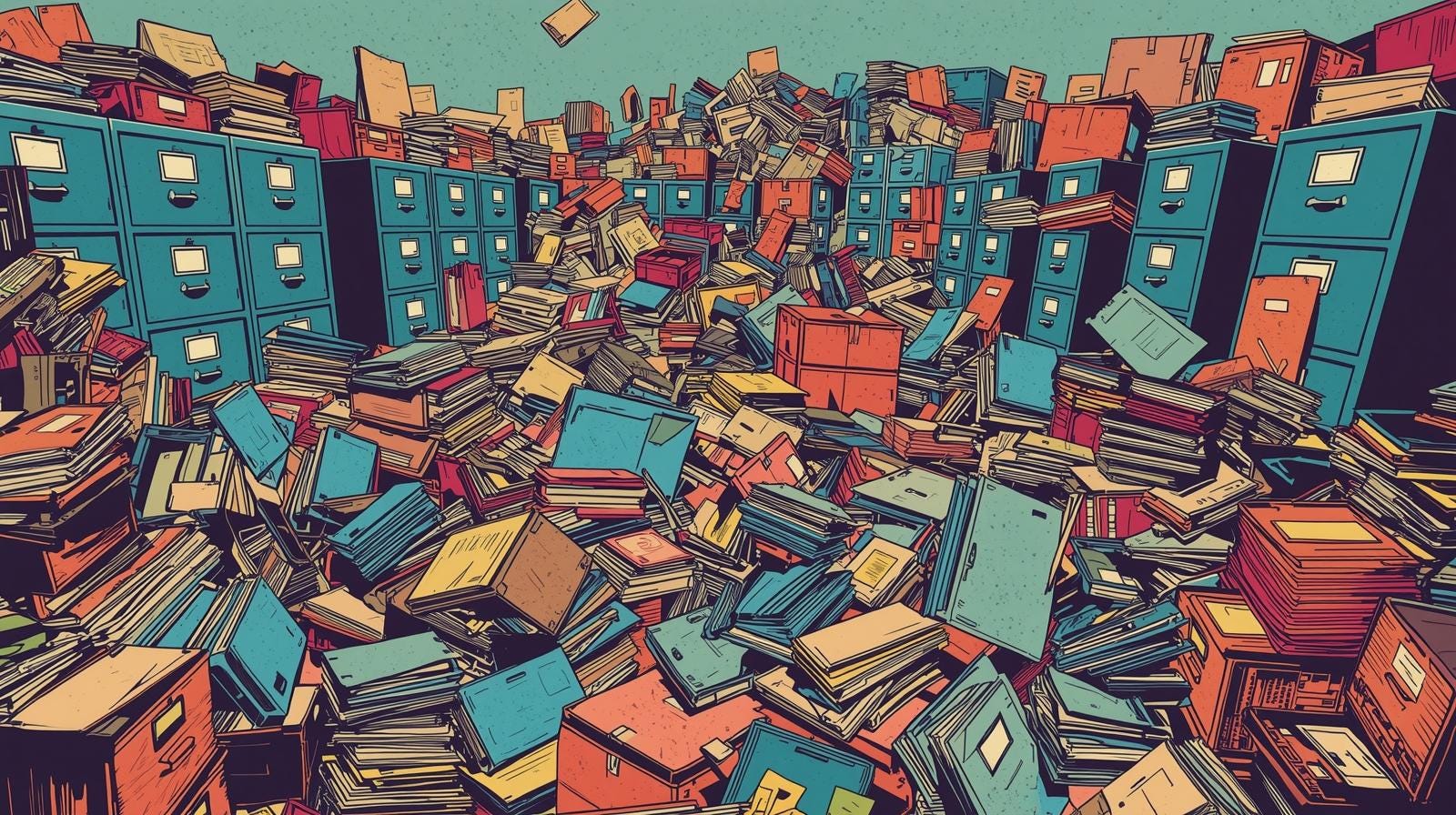
Before Git: The Era of Centralized Control
Version control isn’t new. Developers have been using it since the 1970s to stop their projects from collapsing under the weight of constant change.
The first widely used tools were CVS (Concurrent Versions System) and later Subversion (SVN). Both followed the centralized model: one main server stored the official version of the project, and everyone else checked files in and out like a library book.
This model worked up to a point. It gave teams history, backups, and a way to manage collaboration. But it came with some serious pain points:
Single point of failure. If the central server went down or was corrupted, everyone’s work stopped.
Slow workflows. Every operation even checking history or comparing versions required talking to the central server. Offline work was nearly impossible.
Merge nightmares. When two people changed the same file, merging could break everything. CVS and SVN didn’t handle branching and merging gracefully, which discouraged experimentation.
Limited collaboration. Distributed teams struggled. Only one person could commit to a file at a time, and contributions from outsiders were painful to integrate.
In short, centralized version control made progress linear. It worked for small teams, but it didn’t scale to global collaboration and open source was about to demand exactly that.
How Git Changed the Game
In 2005, Linus Torvalds, the creator of Linux, needed a better way to manage contributions from thousands of developers around the world. The existing tools simply couldn’t keep up with Linux’s scale or speed.
So he built Git a tool designed from the ground up for distributed, fast, and reliable collaboration.
Git flipped the old model on its head. Instead of a single “master” server, every developer has a complete copy of the repository every file, every version, every branch.
That changed everything:
No more single point of failure. Every clone is a full backup.
Work offline, commit locally. Developers can save progress anywhere, anytime, and sync later.
Branching made easy. Creating and merging branches is fast and safe, encouraging experimentation.
Built-in integrity. Every commit is tracked and verified with cryptographic hashes, making history tamper-evident.
Git turned version control from a bottleneck into a superpower. Suddenly, open-source projects could scale to thousands of contributors without chaos.
Git Tools
Git is a tool, not a website. You can use it entirely from the command line no web interface required.
Every Git operation (like committing, branching, or merging) can be done using simple commands in a terminal or console window.
Examples:
git init # start a new repogit add . # stage your changesgit commit -m “note” # save a snapshotgit branch new-idea # create a new branchgit merge new-idea # merge changes back
The git command line is powerful, fast, and scriptable. It’s what every graphical Git tool is built on top of.
User Friendly Git Tools
So not everyone loves the command line no matter how geeky it feels. Over the years, several platforms have emerged to make Git collaboration more visual and social. They all use Git under the hood but focus on different kinds of teams.
GitHub The most popular Git platform, with pull requests, issues, wikis, and integrations. It also offers Actions for CI/CD automation. A social hub for open-source software.
GitLab Combines Git hosting with built-in CI/CD pipelines, container registry, and project management. Great for full-stack teams.
Bitbucket Integrates tightly with Jira and Confluence. A favorite for enterprise teams already using Atlassian tools.
Beyond the Basics: Git’s Hidden Superpowers
Git has a few features that sound technical but are surprisingly human once you understand what they do.
git blame Despite the name, it’s not about assigning fault. It shows who last changed each line of a file and when, helping teams understand history, context, and intent.
git bisect A detective tool for tracking down when a bug was introduced. Git automatically checks versions between two points to find the exact commit where something broke.
git stash Like a “save for later” drawer. You can temporarily store unfinished work, switch tasks, and come back later without losing anything.
git cherry-pick Lets you take one specific change (a single commit) from another branch without merging everything else. Handy for urgent fixes.
git revert Safely undoes a bad change without rewriting history. It’s the “undo” button that still keeps a record of what happened.
git log A built-in journal that shows the complete history of commits, who made them, and why. It’s like a diary for your project.
Each of these features exists for the same reason Git itself does: to make change transparent, reversible, and accountable.
⚙️ You’ve already built something smart now let’s make it shine.
Building something with no-code or AI tools and got stuck? We help you troubleshoot, refine, and connect what you’ve started — clean, simple, and reliable.
👉 Learn more at Lucenra Solutions